 Skip to main content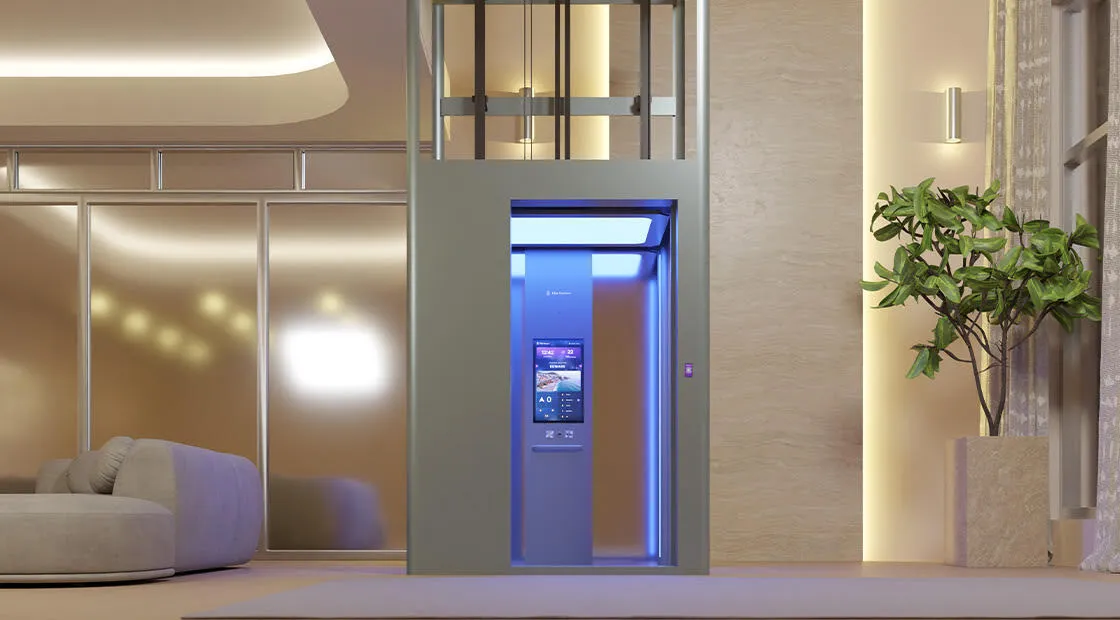
Touchscreen Display Panels
The control panel is the part of a home elevator that every passenger interacts with on every single journey. A panel that is confusing, poorly positioned, or visually outdated undermines the entire ownership experience, regardless of how well-engineered the rest of the lift is. Elite Elevators Malaysia integrates a touchscreen display panel into its smart home elevator range — replacing physical buttons with an intuitive, responsive interface that makes operating the lift simple for every member of the household, from young children to elderly grandparents.
How the Touchscreen Display Panel Works
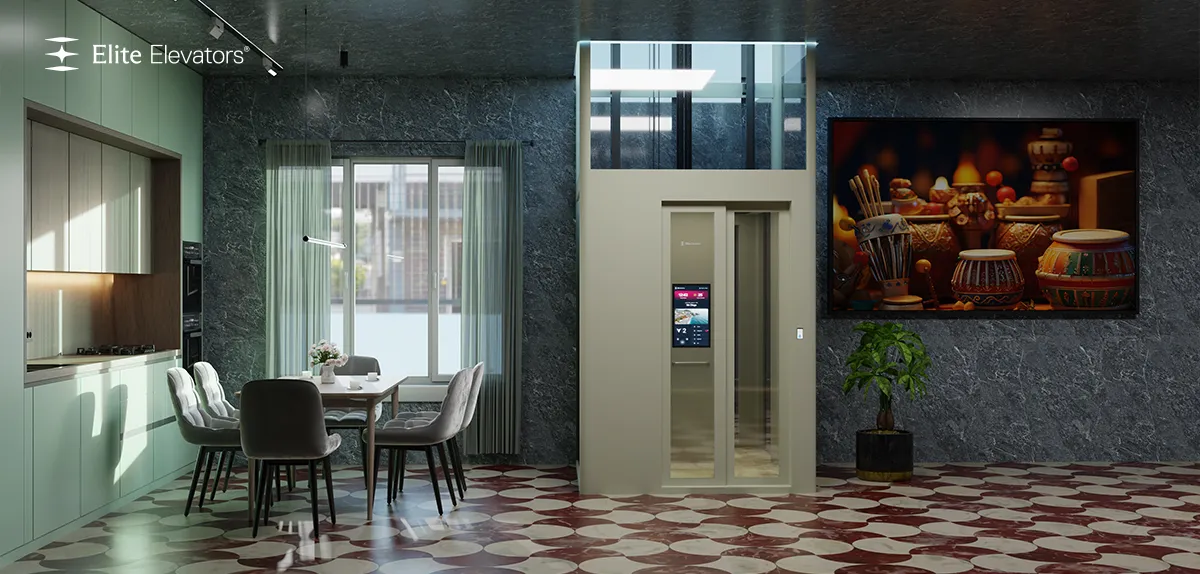
The touchscreen panel is integrated directly into the cabin wall and landing call points, connected to the elevator's central control system. Floor selection, door control, and emergency functions are all accessible through a single responsive surface rather than a row of separate mechanical buttons. On Elite's X400 Mark II, this extends to a full 21-inch Live Board display capable of showing floor names, time, weather, and personalised content alongside standard operational controls. The interface responds to a light touch, requires no pressure or precision, and provides clear visual confirmation of every command — the selected floor illuminates, the door status displays in real time, and any fault condition is communicated in plain language rather than an ambiguous indicator light.

Importance of Touchscreen Controls in a Malaysian Home
Malaysian households are rarely uniform in who uses the hydraulic elevator. The same lift might be operated by a grandparent who finds technology unfamiliar, a teenager who expects an intuitive smart interface, and a domestic helper moving heavy items between floors multiple times a day. A touchscreen panel that is simple enough for the least technical user and capable enough to satisfy the most tech-comfortable one solves this range of expectations in a single interface. It also reduces a common source of household friction — physical buttons that wear, stick, or become unresponsive over years of daily use are replaced by a digital interface with no moving parts to degrade.
Intelligent Control Logic Behind the Display
The touchscreen panel is the interface layer of Elite's broader control intelligence. On the X400 Mark II, Elite AI learns household movement patterns and can pre-populate the most likely floor selection before the passenger even touches the screen. The panel also adjusts its own behaviour contextually — increasing button size and contrast during Comfort Mode for elderly passengers, or switching to a simplified interface when the system detects an unfamiliar user profile. This is not a static screen reproducing physical buttons digitally. It is an adaptive interface that responds to who is using it.
Touchscreen Functionality During Power Outages
During a mains power interruption, the touchscreen display panel transitions to emergency mode automatically, drawing power from the same backup battery system that operates the Automatic Rescue Device. The screen continues to display clear status information — confirming that the ARD has activated and the cabin is being lowered safely — rather than going dark and leaving passengers without information during an already unfamiliar situation. This continuity of information is a deliberate design choice: a passenger who can see what is happening remains calmer than one facing a blank screen.
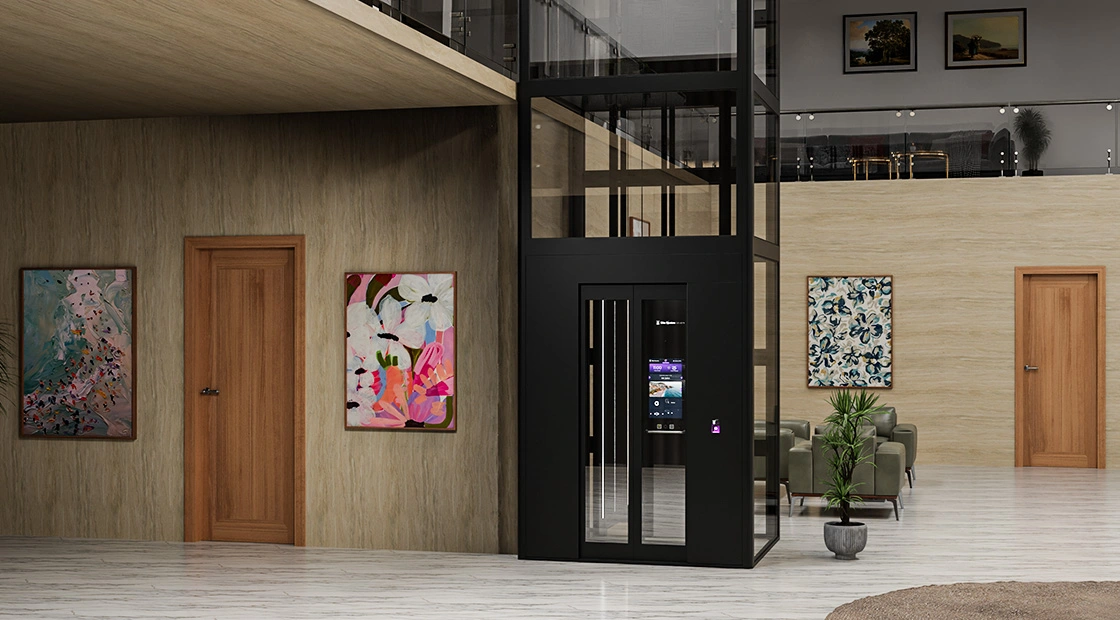
An Integrated Technology Approach to Touchscreen Control
The touchscreen display panel is not an isolated feature. It is the visible layer of a broader smart control architecture.
- Customisable Floor Naming and Display Content: Rather than generic floor numbers, the touchscreen can display custom floor names — "Family Room," "Guest Suite," "Study" — set by the homeowner during commissioning. On the X400 Mark II, the display rotates through time, weather, and personalised content during idle periods.
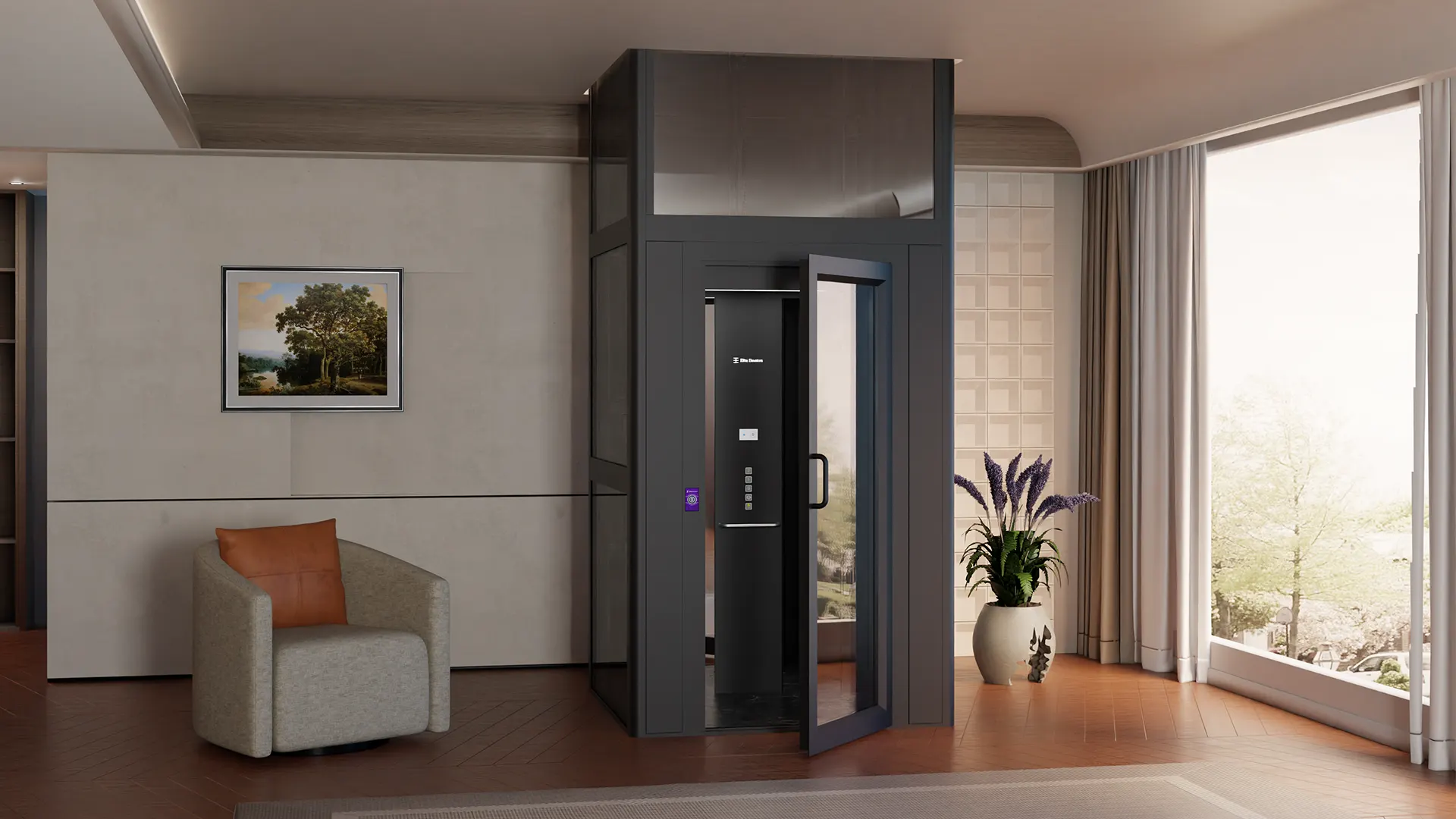
- Biometric and PIN Integration: The touchscreen interface works alongside fingerprint biometric access and PIN-based floor restriction, allowing the same panel to manage both standard operation and restricted access without separate hardware.
- Real-Time Status Feedback: The panel displays live operational status — door position, current floor, any active fault — giving passengers clear information rather than relying on assumption or a single ambiguous light.
Who Benefits from a Touchscreen Display Panel?
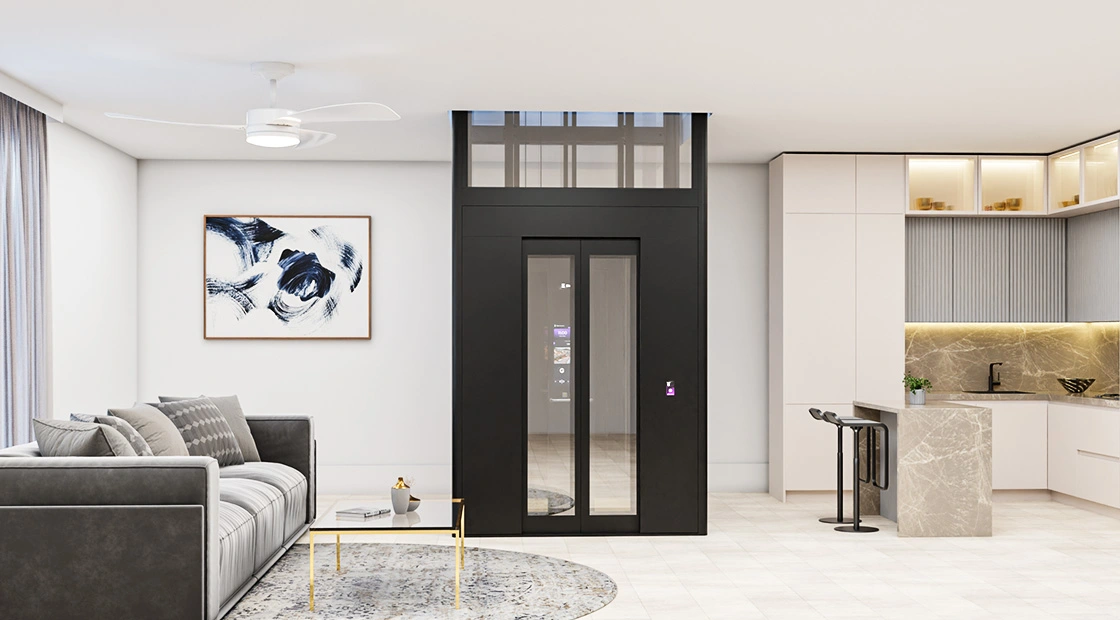
Elderly passengers benefit from larger, clearer visual feedback and simplified interface modes that reduce the cognitive load of operating the lift. Young children benefit from an interface that is visually engaging and intuitive without requiring reading proficiency for basic icons. Tech-comfortable household members benefit from the smart features — app integration, biometric access, personalised display content — that a touchscreen enables. And households with domestic help or frequent visitors benefit from an interface that requires no prior familiarity to operate confidently on first use.
What Makes a Touchscreen Display Truly User-Friendly?
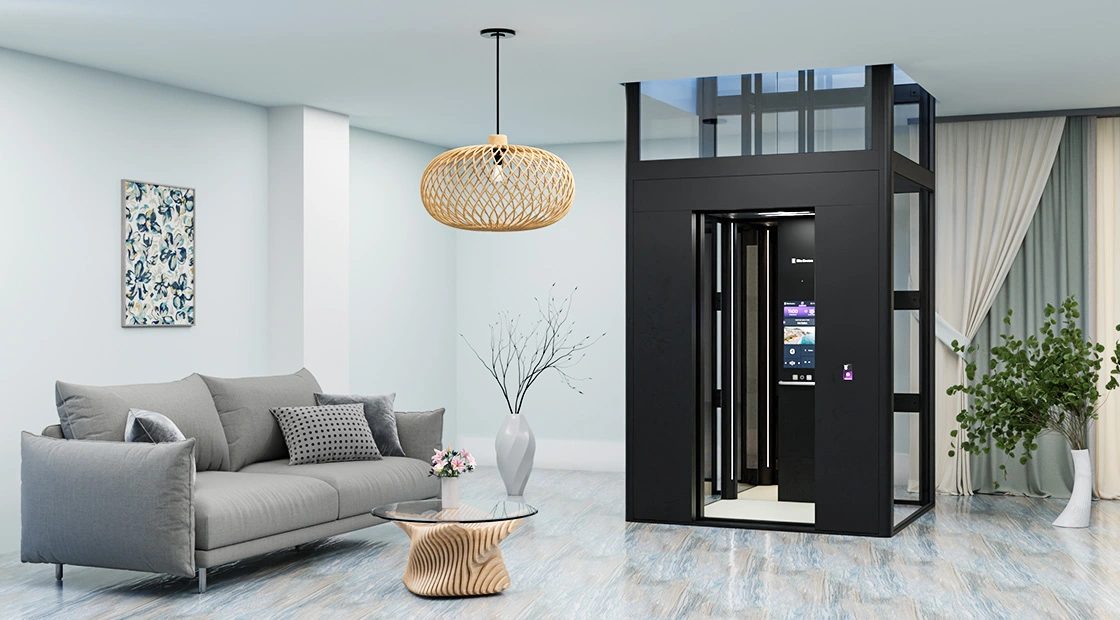
An effective touchscreen interface in a home elevator is defined by several key design principles working together. First, responsiveness: the display should react instantly to light touch without requiring repeated input. Second, visual clarity: large icons, high-contrast graphics, and intuitive navigation ensure easy operation for users of all ages. Third, accessibility: controls positioned at wheelchair-friendly heights and simplified interface modes improve usability for elderly users and those with limited mobility. Fourth, intelligent integration: features such as biometric access, personalised floor naming, and real-time status updates create a more connected user experience. Finally, reliability: the interface must continue providing essential information during power interruptions through battery-backed operation.
Frequently Asked Questions
1. Which Elite Elevators Malaysia models include a touchscreen display panel?
The X200 Plus and X400 Mark II both feature touchscreen interfaces, with the X400 Mark II offering the most advanced 21-inch Live Board display including AI-personalised content, custom floor naming, and biometric integration. Standard hydraulic models like the X200 and E200 use a compact touch interface for core operational control.
2. Is a touchscreen panel reliable in Malaysia's humid climate?
Yes. The touchscreen interfaces used across Elite's range are sealed and rated for residential environmental conditions including Malaysia's humidity. The panels are tested as part of the same EN 81-41 certification process that covers the elevator's broader electrical and control systems.
3. Can the touchscreen display be customised for elderly users?
Yes. The interface can be configured with larger icons, simplified menu options, and Comfort Mode settings during installation, specifically suited to elderly or first-time users who benefit from a less complex control experience.